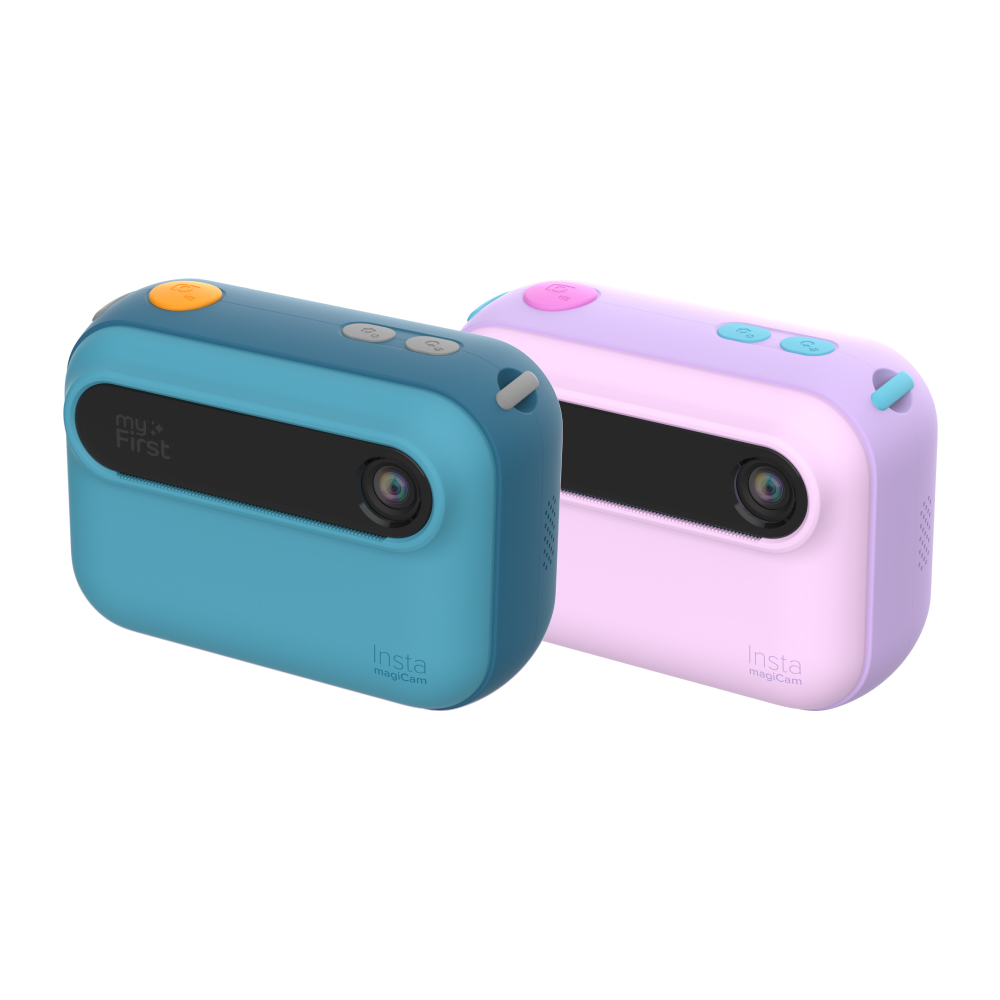

myFirst Insta magiCam

Kids Instant Print Camera

myFirst Insta magiCam

Take a Photo. See What Happens Next.
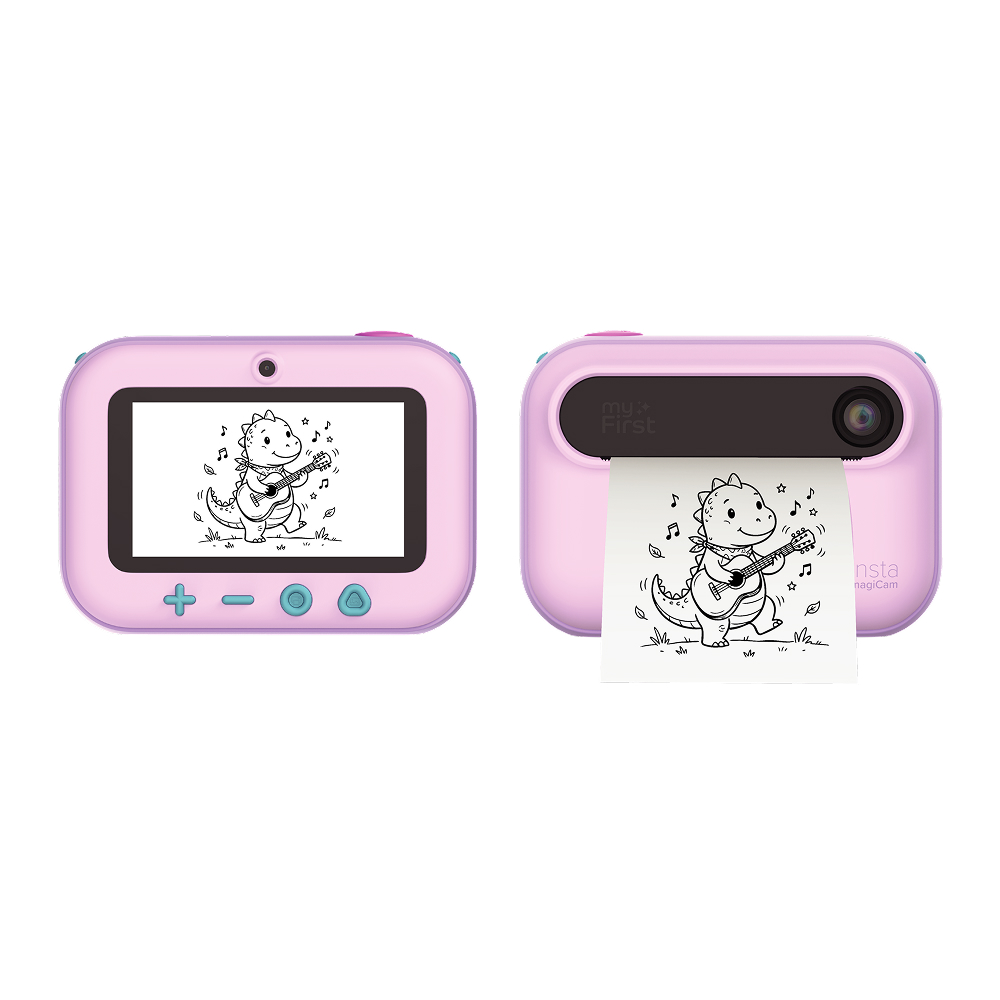
A kids’ instant-print camera that can explain what they capture, answer their questions, transform their photos, turn spoken ideas into pictures and stories, and print their favorites right from the camera.

Kid-friendly AI experiences thoughtfully designed for young users.

Front and Rear Cameras • HD Photography • Video Recording • Instant Printing
Kids Instant Print Camera

myFirst Insta magiCam

Take a Photo. See What Happens Next.
A kids’ instant-print camera that can explain what they capture, answer their questions, transform their photos, turn spoken ideas into pictures and stories, and print their favorites right from the camera.

Kid-friendly AI experiences thoughtfully designed for young users.

Front and Rear Cameras • HD Photography • Video Recording • Instant Printing
Start With a Photo

One Photo. So Many Possibilities.

A picture can be more than something to save. With magiCam, it can become something children explore, question, transform, turn into a story or print and make their own.
1. Explore It

Photograph something interesting and let magiCam respond to what it sees.

2. Ask About It

Ask a specific question about the photographed subject and hear the answer.

3. Transform It

Give the photo a new creative style or turn it into something entirely new.

4. Print It

Bring photos, pictures, and stories out of the camera and into their hands.

Discover Through the Lens

It Can Tell Them. Or They Can Ask.

Both experiences begin with a photo, but curiosity continues in two different ways. Snap and Discover responds automatically. Snap and Ask answers the child’s own question.
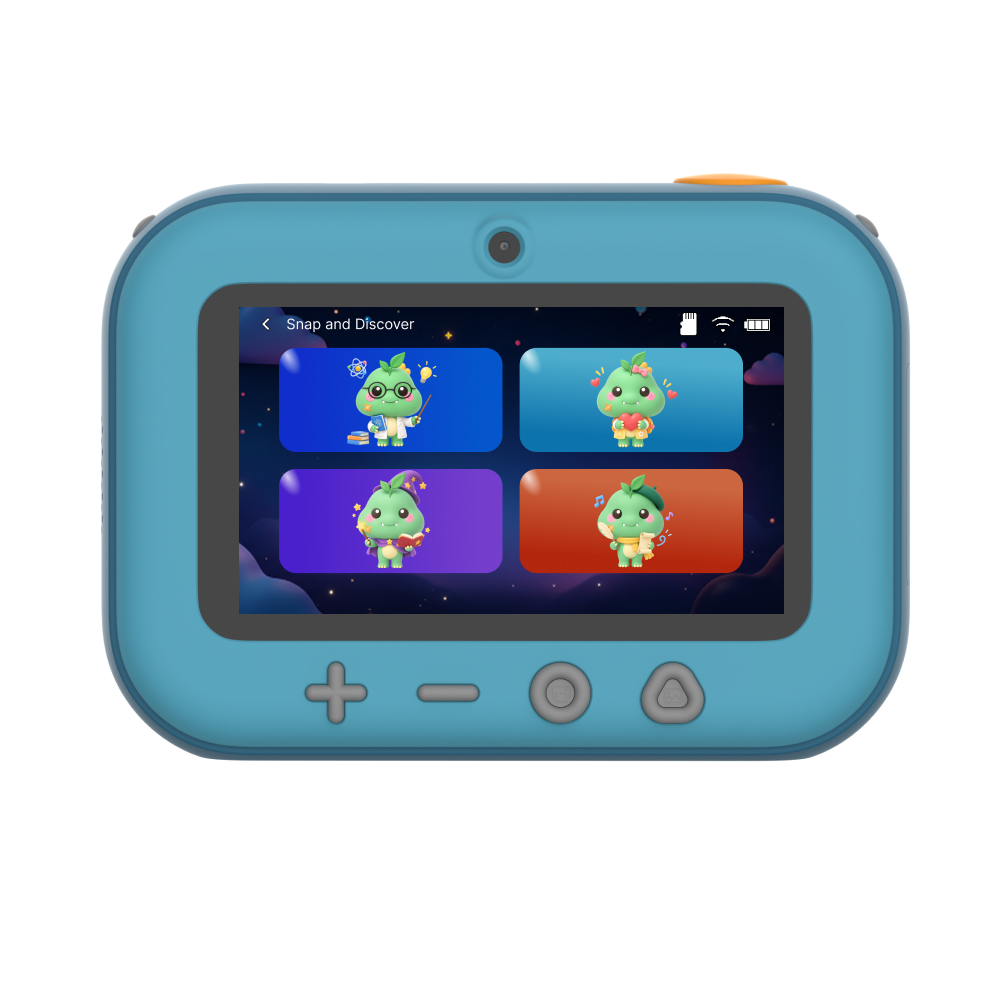
Snap and Discover

Take a photo and magiCam automatically responds to what they captured — no question needed.

Snap and Ask

After taking a photo, press and hold to ask a question such as 'Where does it live?' or 'What does it eat?' Release the button and magiCam answers based on what was photographed.

Four Ways to Discover

Meet the Snap and Discover Characters

Choose how magiCam responds to each photograph — with fascinating facts, a simple explanation, an imaginative story or a playful poem.
Professor Wonder

Shares fascinating facts and everyday knowledge about the photographed subject.

Teacher

Explains the subject in a warm, simple way for younger learners.

Storyteller

Creates an imaginative story inspired by the photograph.

Little Poet

Creates a short, playful poem inspired by what the child captured.

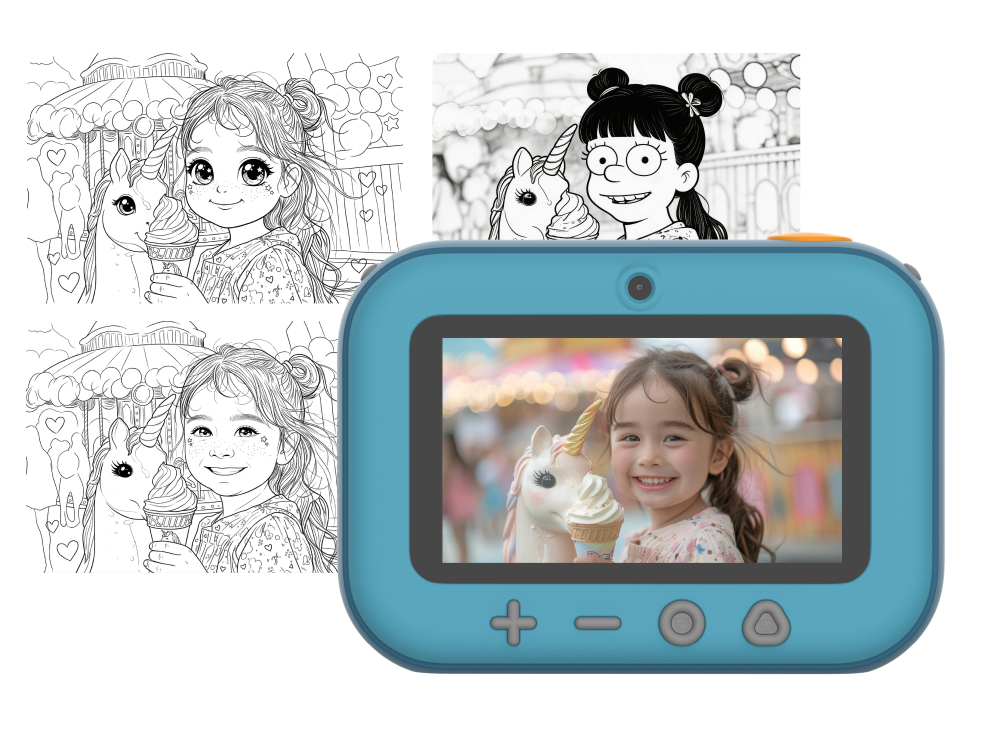
Transform Their Photos

Same Photo. A Completely Different Look.

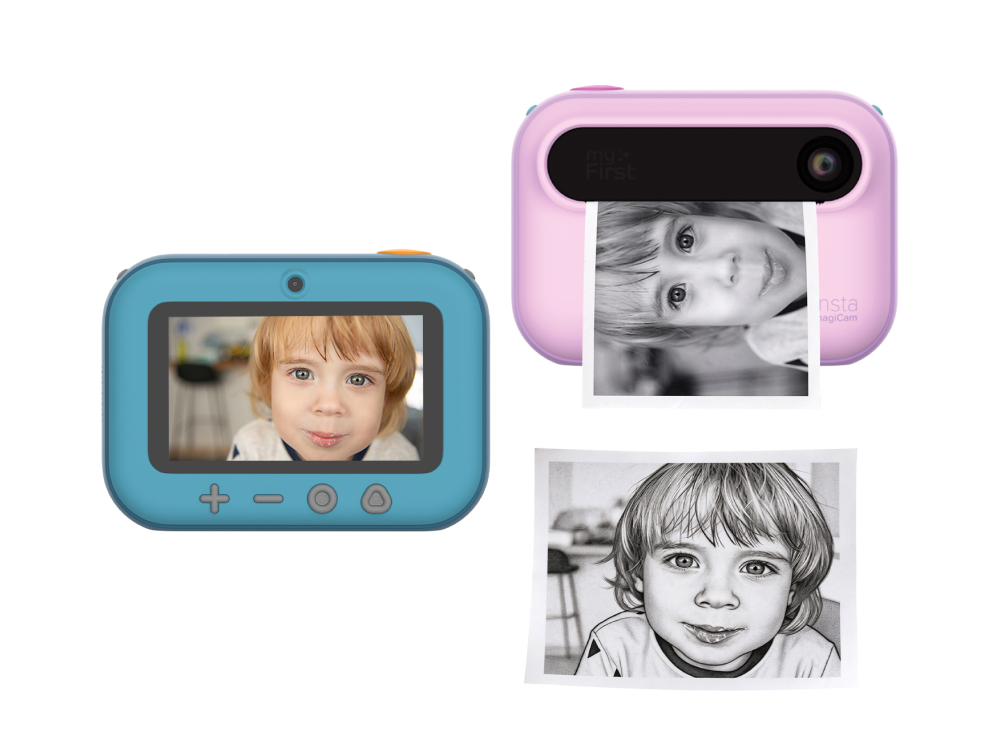
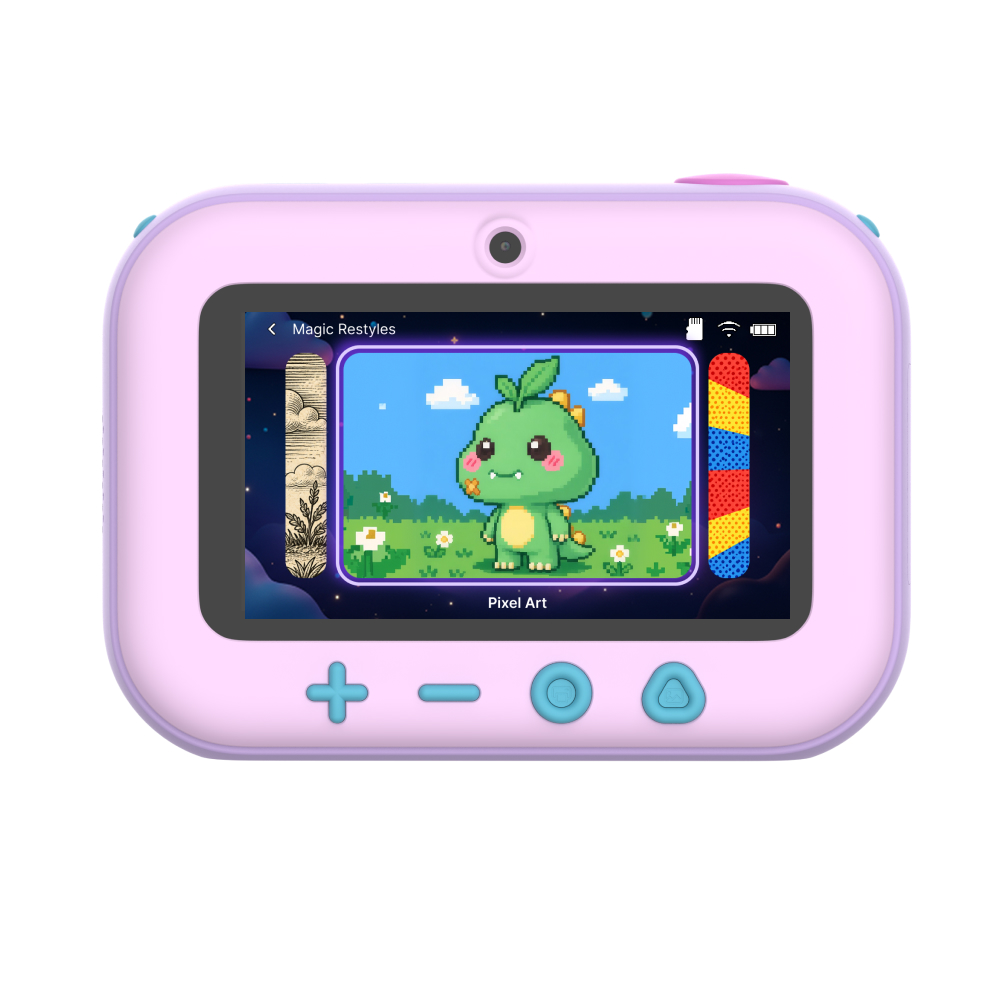
A photo does not have to stay exactly as it started. Children can transform their pictures into creative styles before saving or printing them.
Pixel Art

Rebuild the photo with a playful retro pixel look.

Comic Pop

Give the photo bold comic-book dots and pop-art energy.

Doodle

Turn the photo into a clean printable outline that is ready to color.

Line Art

Reimagine the photo using strong illustrated lines inspired by woodcut prints.

From a Photo or Their Voice

Start With a Photo. Or Just Say It.

A captured moment can become a story, while a spoken idea can become a picture or a four-scene adventure. magiCam helps children start creating even when they do not know how to draw or write the idea yet.
Photo-to-Story

Turn a photographed subject into the main character of a connected four-scene illustrated story, ready to view and print.

Voice-to-Image

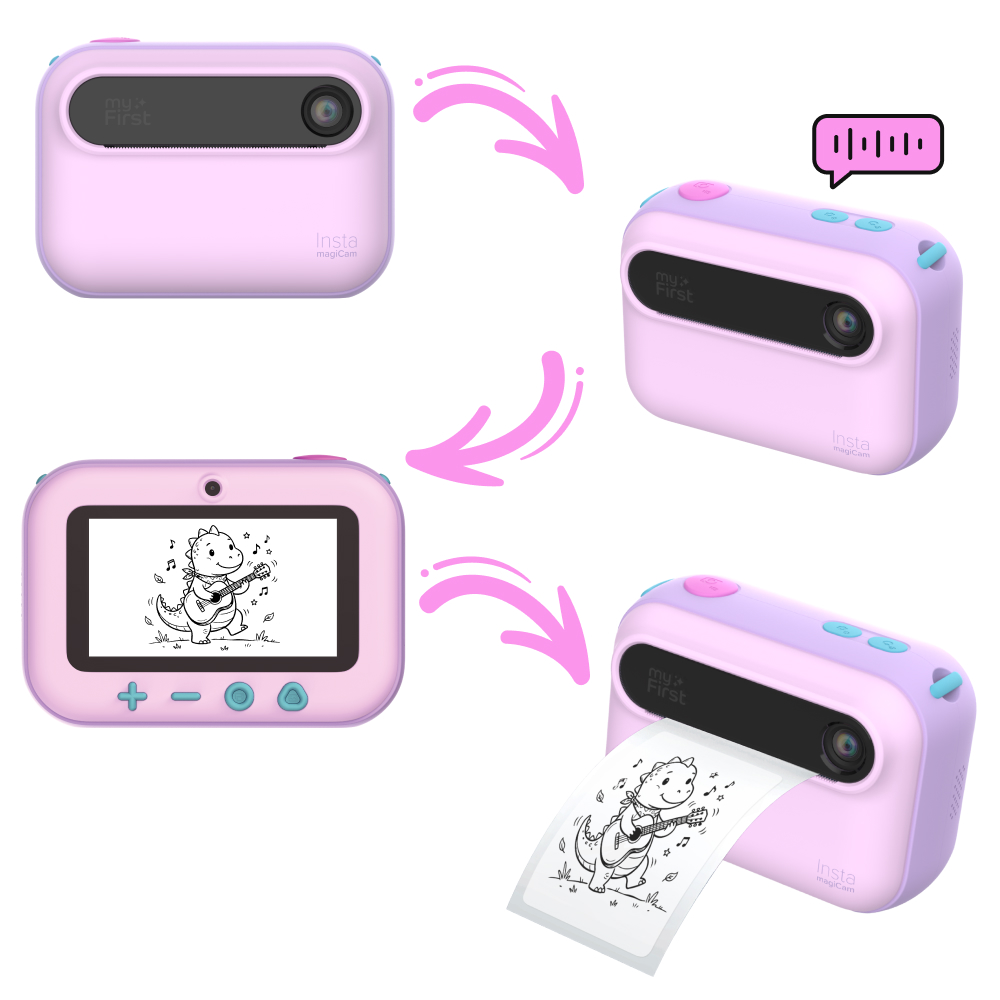
Describe an idea and turn it into an image. A purple dinosaur eating noodles in space? Absolutely.

Voice-to-Story

Start with a spoken idea and develop it into a connected four-scene illustrated story.
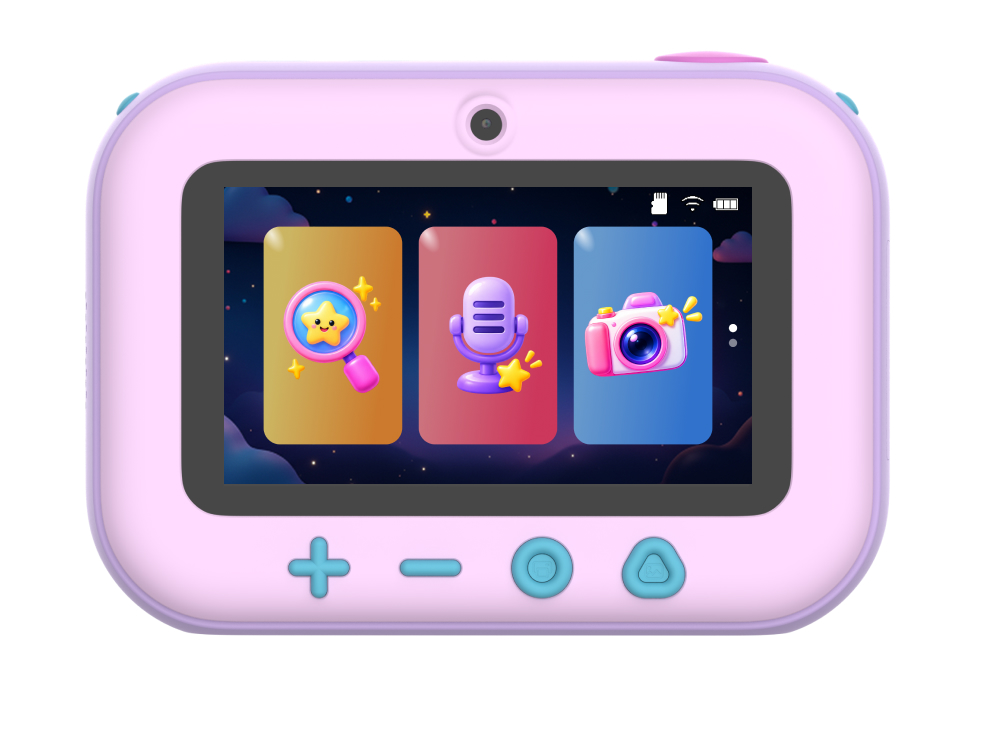
Print the Possibilities

Print More Than Just Photos.

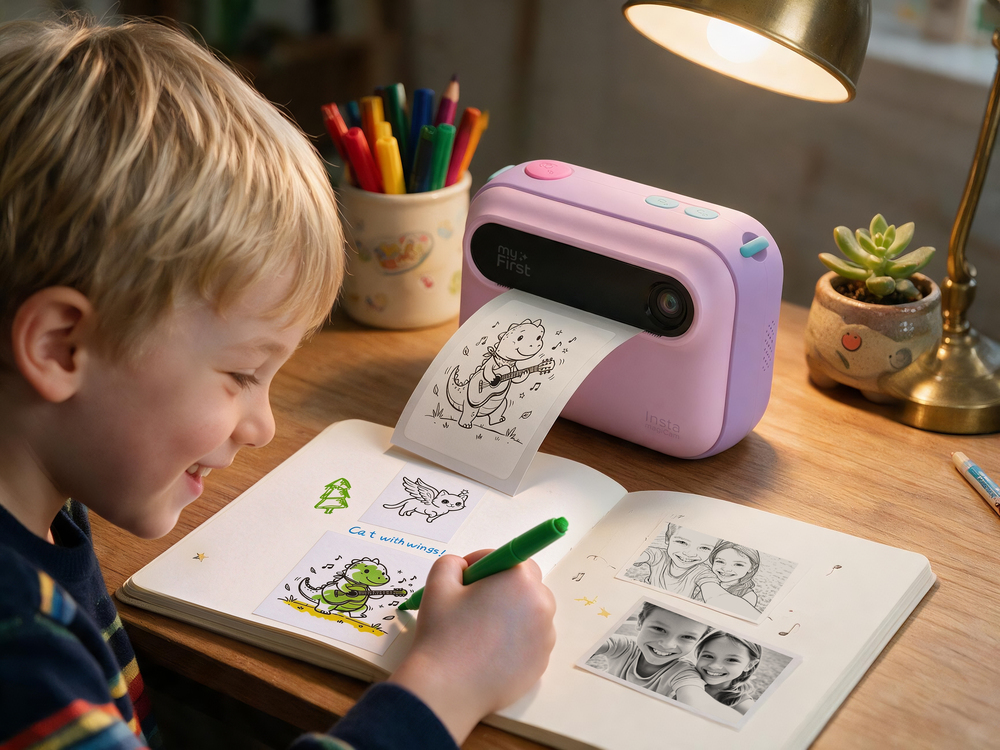
Photos and creations do not have to stay on a screen. Choose a favorite, press print, and turn it into something you can keep, color, decorate, and stick.
One Button Printing
Turn a favorite photo or creation into a physical print, right from the camera.
Print What They Create
Print photos, restyled images, coloring pages, Voice-to-Image creations and illustrated stories.
Two Print Styles
Choose between grayscale and dot-matrix style printing.
Six Paper Possibilities
magiCam is compatible with six paper types, giving children more ways to keep and use what they print.
  • Black-and-White Thermal Paper – Classic everyday prints.
  • Color Thermal Paper – Print on colorful thermal media.
  • Black-and-White Adhesive Sticker Paper – Peel-and-stick monochrome prints.
  • Color Adhesive Sticker Paper – Peel-and-stick prints on colorful media.
  • Holographic Paper – Add a reflective holographic finish.
  • Water-Transfer Tattoo Sticker Paper – Turn selected creations into temporary water-transfer tattoos.
Camera Fundamentals

A Real Camera Made for Their Point of View.

Behind every discovery and creation is a camera kids can call their own. Front or back, photo or video, magiCam is ready for whatever catches their eye — including themselves.
Front and Rear Cameras

Switch between the front and rear cameras for selfies, discoveries and everything in between.

HD Photography

Capture everyday adventures, unexpected masterpieces and the occasional photo of the floor.

Video Recording

Keep the moment moving when one picture is not quite enough.

Made for Selfies

Turn the camera around, get everyone in and make the memory theirs.

Album

Look back through saved photos, videos and creations on the camera.
AI Designed for Young Users

Made for Curiosity. Designed With Young Users in Mind.

magiCam’s built-in AI experiences are designed for young users, with safeguards intended to help keep recognition, responses, and creative outputs age-appropriate.
Future Updates

There's More Magic to Come.

New surprises are already in the works, bringing even more ways for young creators to play, imagine and make magiCam their own. Stay tuned.

Technical Specifications

Cameras:
Front and rear cameras
Photo resolution:
16MP
Video resolution:
1080p at 30fps
Display:
3.0-inch IPS display
Display resolution:
360 × 640
Printing:
Built-in ink-free thermal printer
Connectivity:
Wi-Fi
Storage:
Supports up to 32GB
Image format:
JPG
Video format:
AVI
Battery capacity:
3.7V, 1000mAh
Battery life:
Approximately 4 hours
Charging time:
Approximately 2 hours
Charging port:
USB-C
Charging input:
5V/1A
Product dimensions:
104 × 44 × 75mm / 4.1 × 1.7 × 3.0in
Net weight:
175.1g

Ready to See What Happens Next?

Every photo can become a discovery, a creation or something children can print and keep.