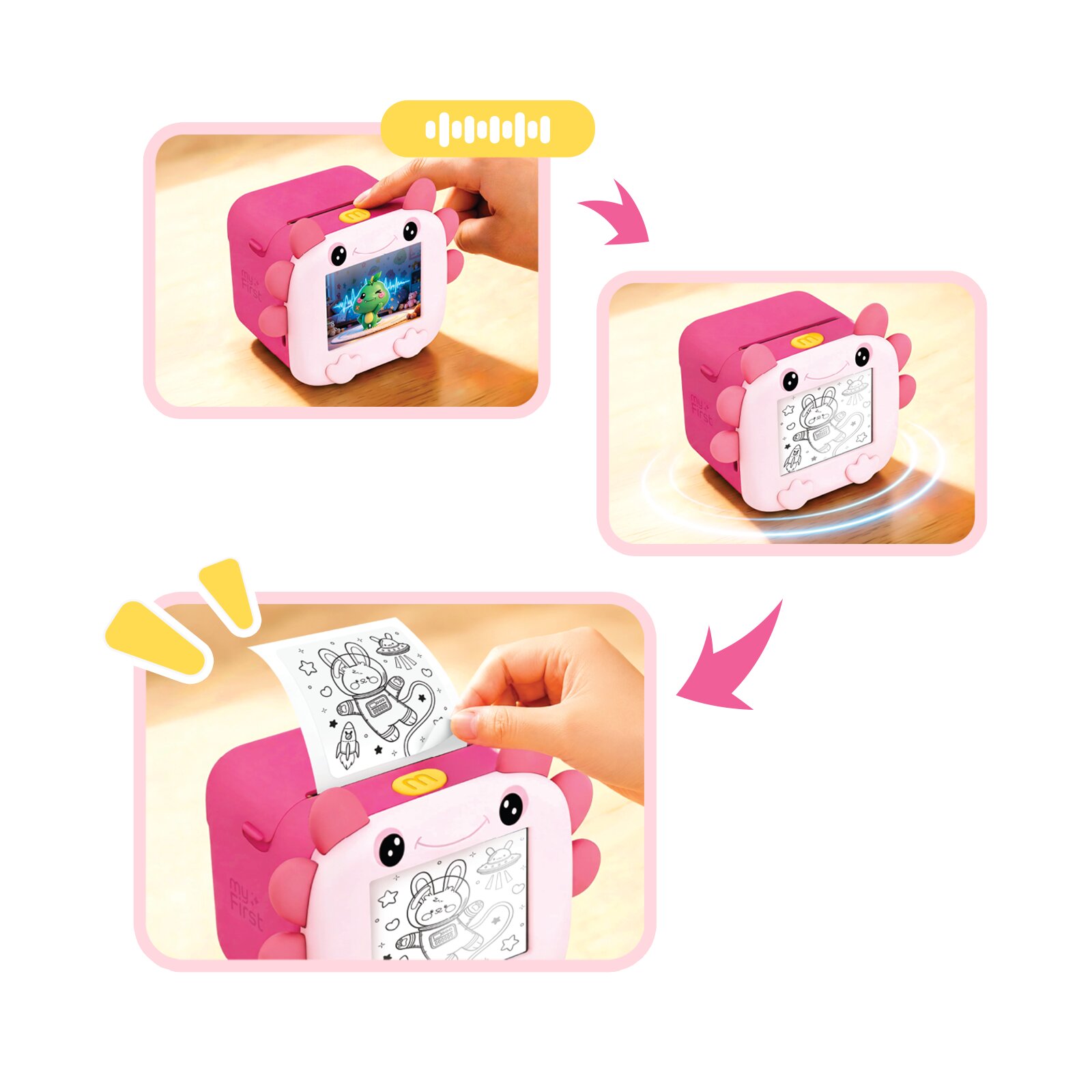
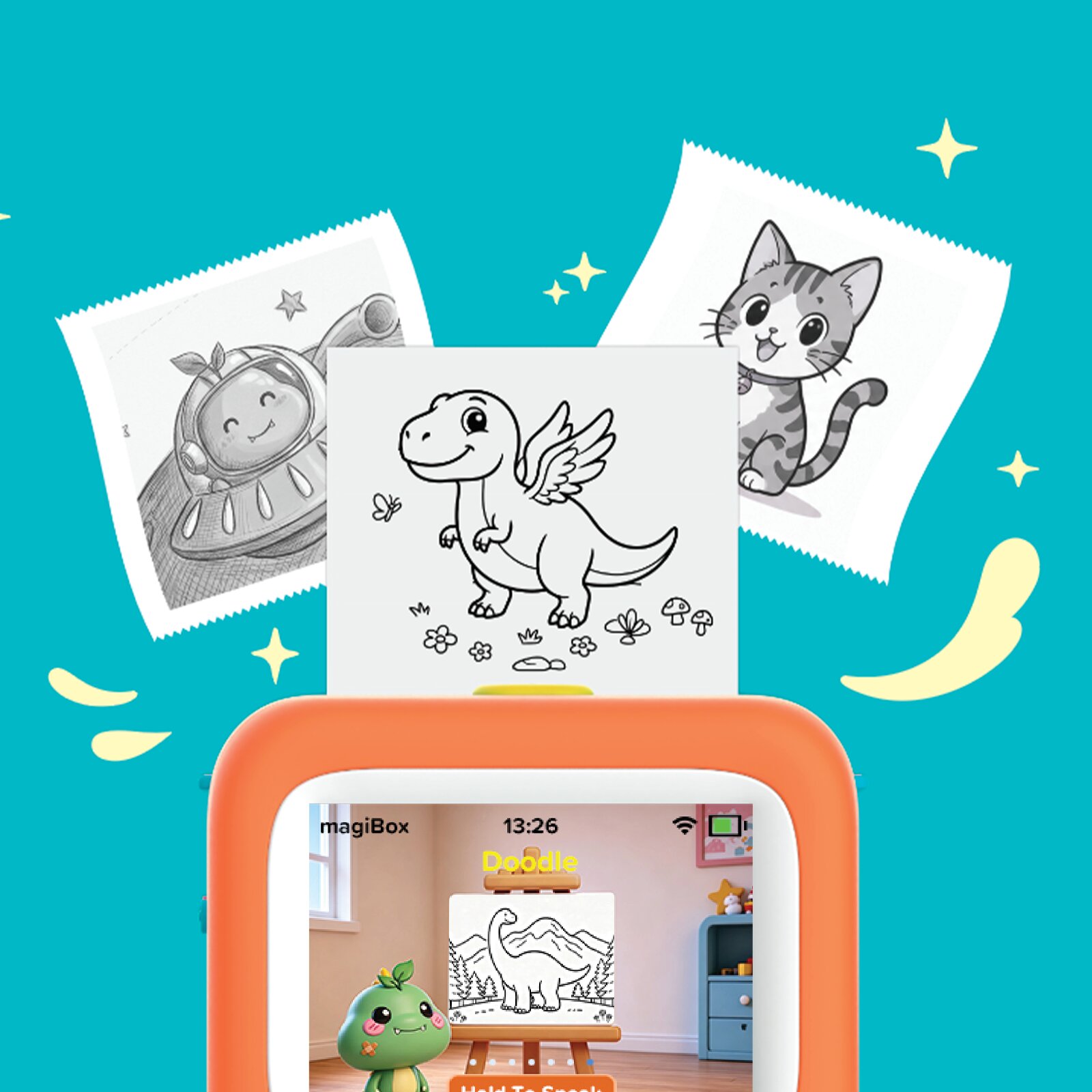
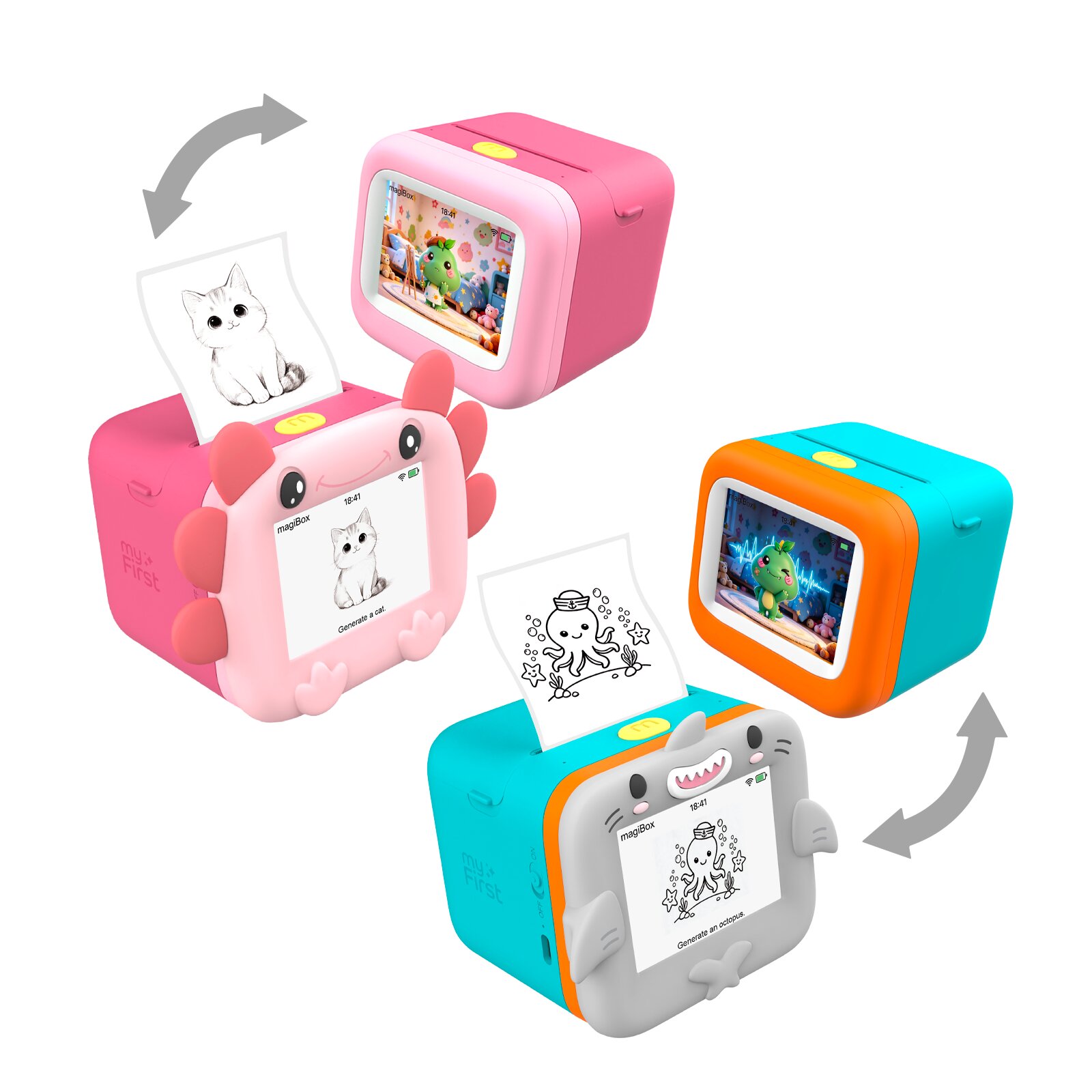

10-Second Instant Printing
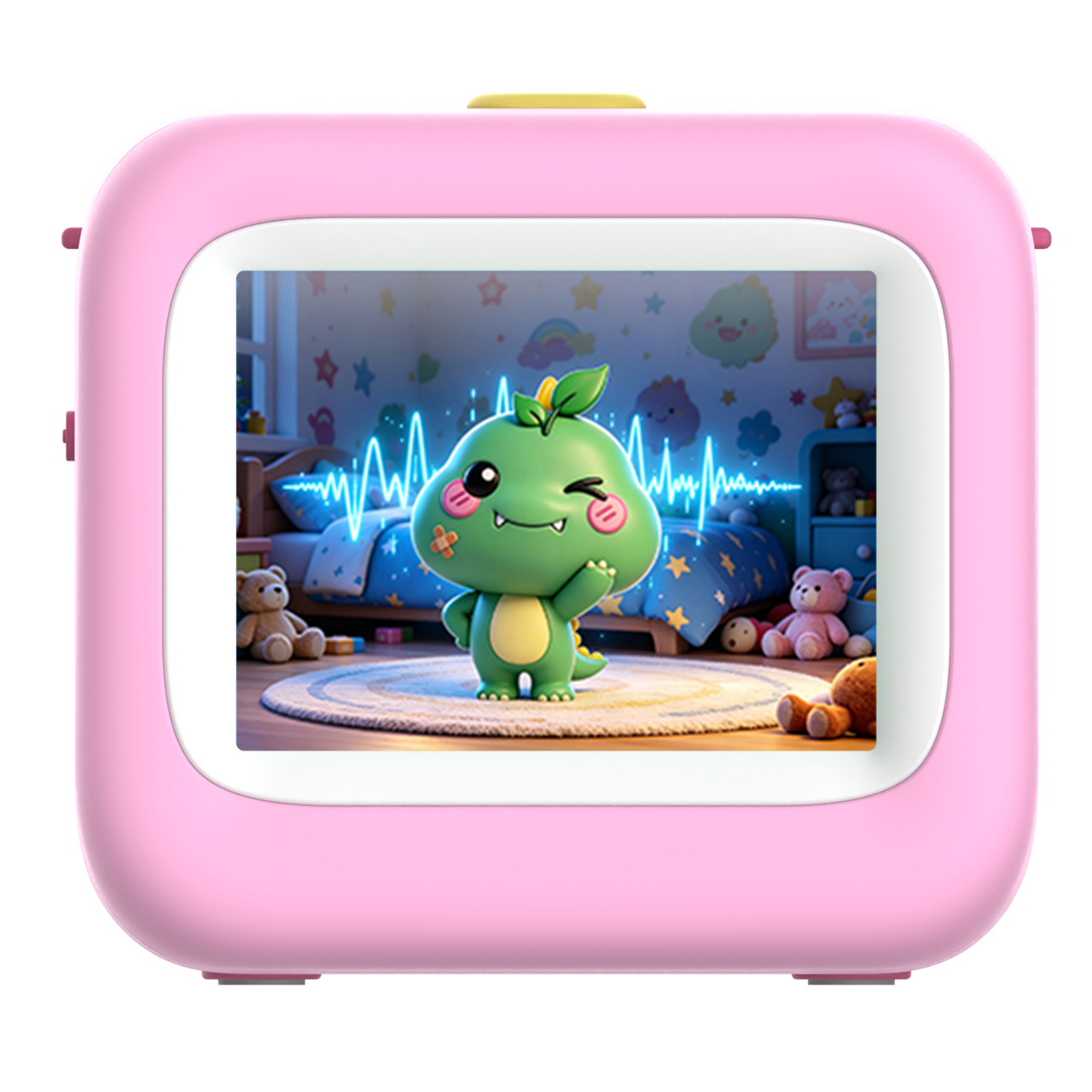
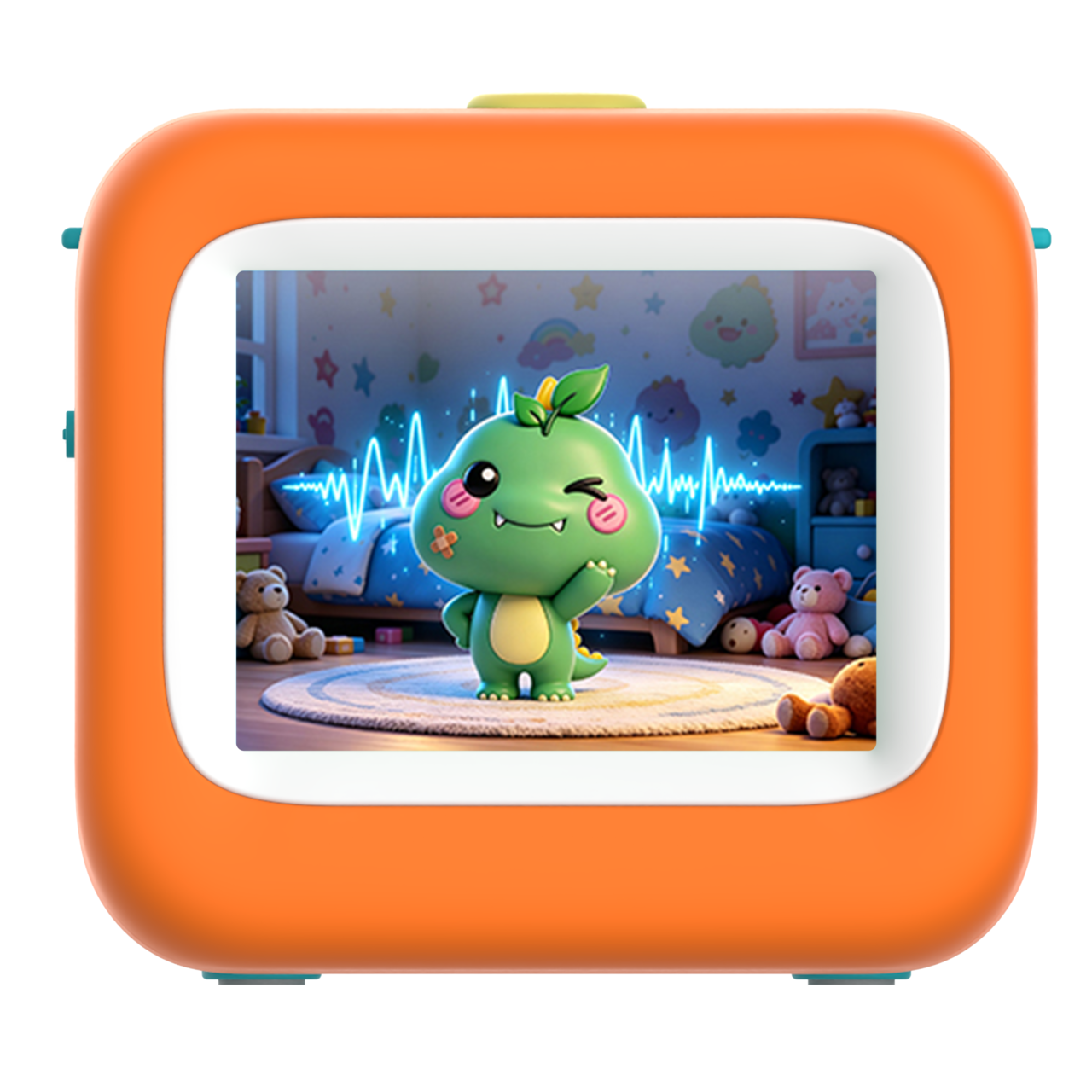
2.8" HD Screen for Clear UI and Alerts

Quick-peel Sticker Support, So Prints Are Ready to Peel and Stick

Low-Power BLE Pairing with Seamless Wi-Fi Cloud Sync

Ultra-Durable 1300mAh Battery For Hours of Fun

App-Free Standalone Mode for Instant Creativity
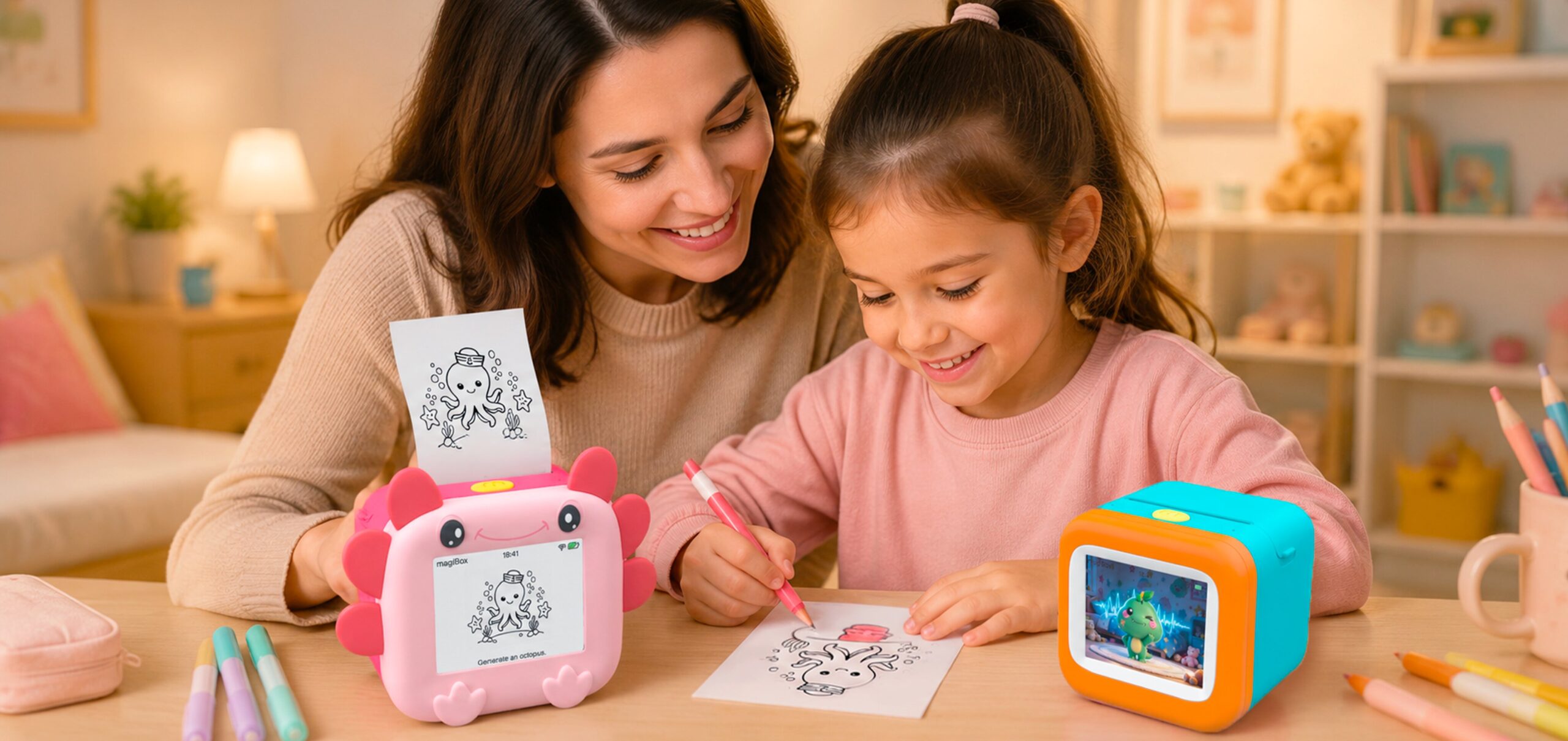
Yes, the phone is needed for setup only; after that, magiBox works independently but still needs internet.
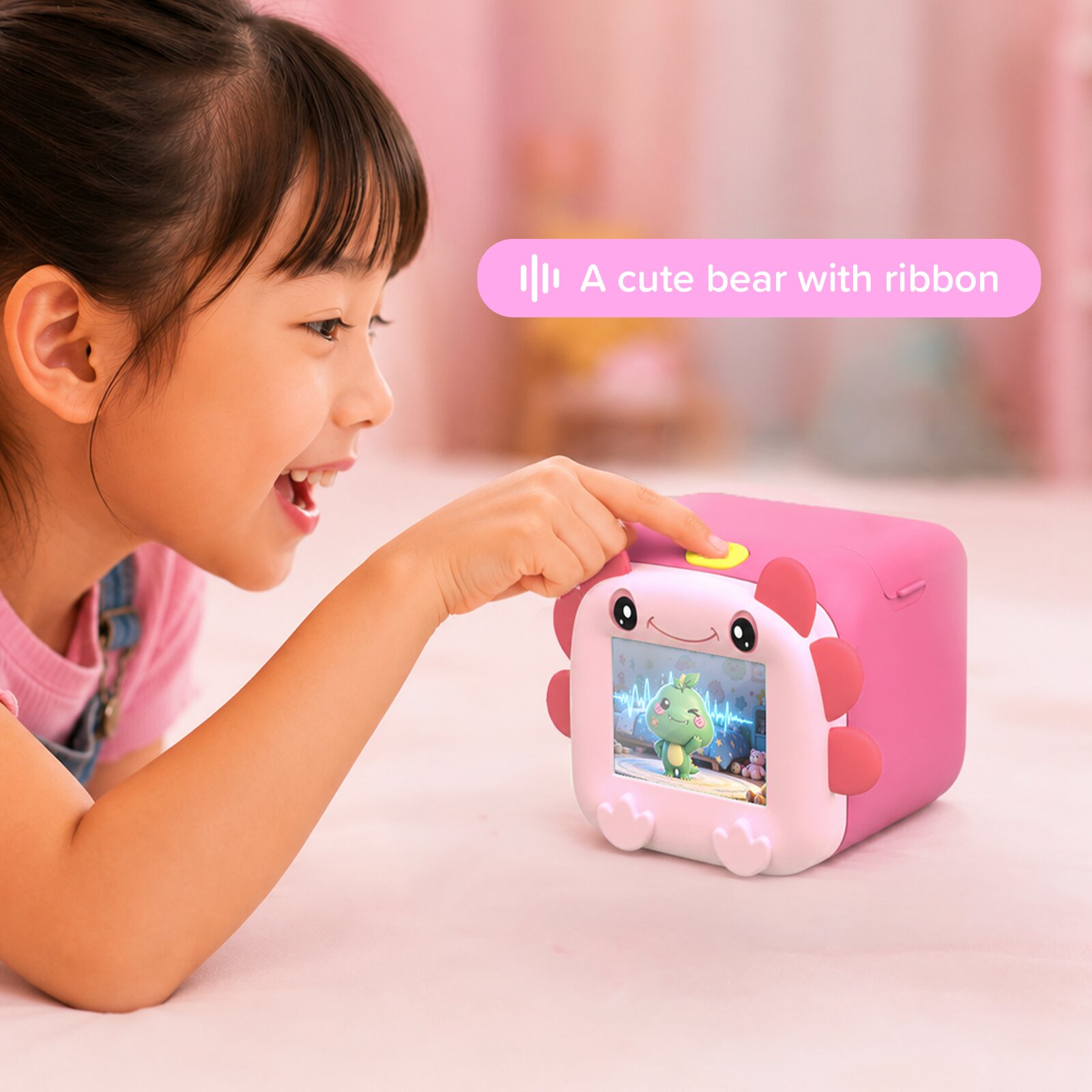
magiBox requires an internet connection for Voice-to-Image and Voice-to-Story generation.
The result will appear on screen and start printing automatically. You can stop the printing by pressing the button once before printing begins.
No. Each prompt creates one result. However, a history of created images can be seen in myFirst Circle app.
You can save and reprint generated images from History in the myFirst Circle App
No, Voice-to-Story only has one style.
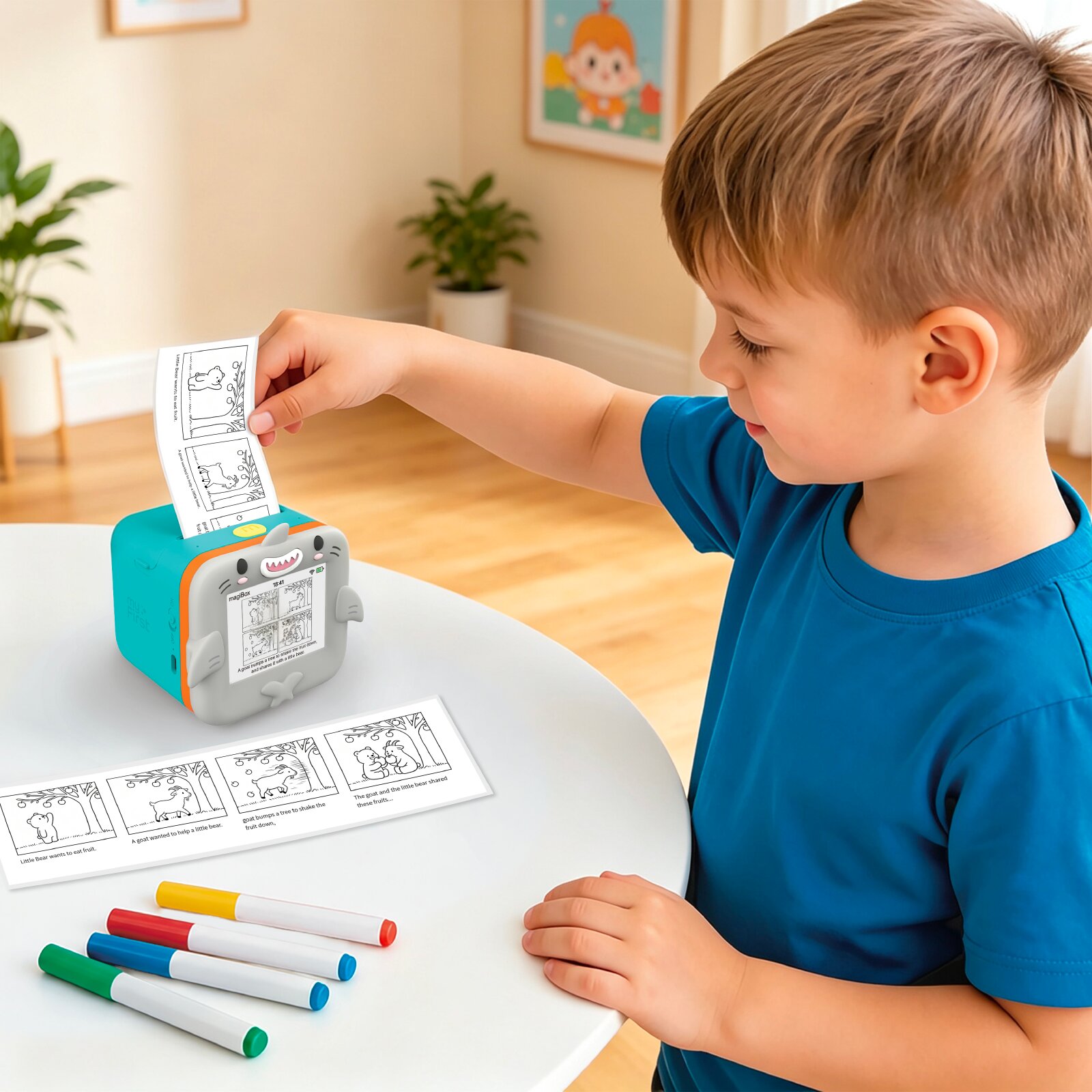
No, Voice-to-Story can only be printed on Thermal Sticker Roll, not on Quick-Peel Sticker
It can recognize 26 languages:
Chinese (Mandarin, Cantonese), English, Japanese, German, Korean, Russian, French, Portuguese, Arabic, Italian, Spanish, Hindi, Indonesian, Thai, Turkish, Ukrainian, Vietnamese, Czech, Danish, Filipino, Finnish, Icelandic, Malay, Norwegian, Polish and Swedish.
If a prompt does not pass the safety filters, magiBox will not generate the image. Instead, magiBox will display “Oops! Try another idea” to encourage kids to try something else!
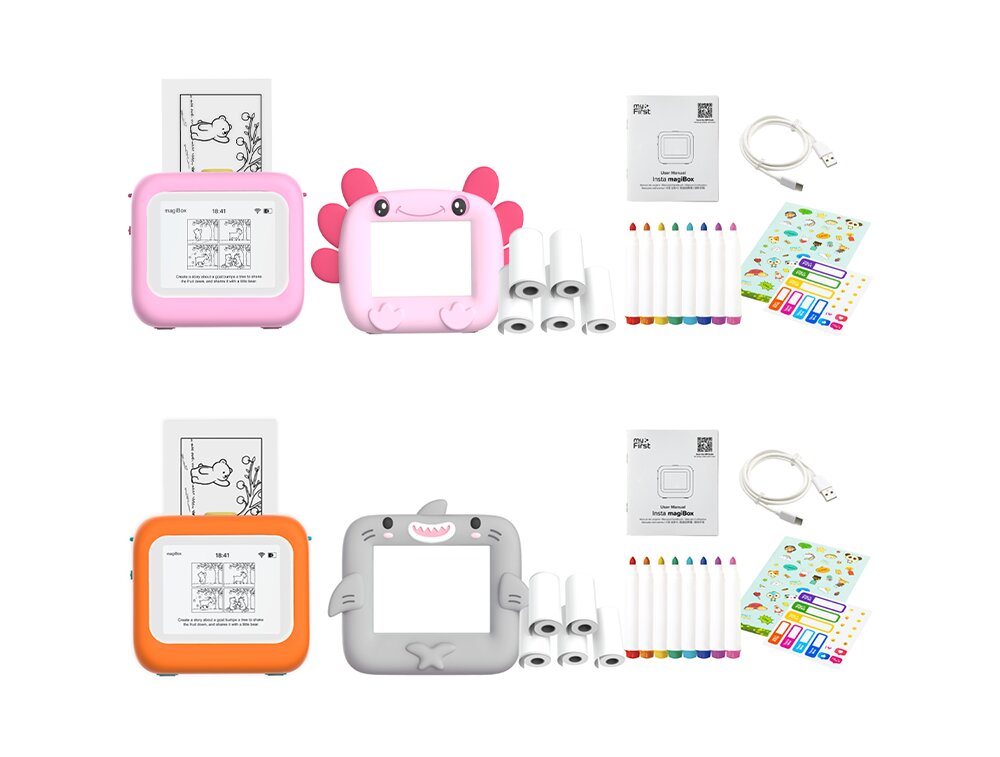
Thermal Sticker Roll – roughly 47 images
Quick-Peel Sticker Roll – Roughly 50 images
Voice-to-Image: roughly 10 seconds to print once image is ready
Voice-to-Story: roughly 50 seconds to print once image is ready
No. Only magiBox paper is supported. Other paper will damage the printer and void your warranty. magiBox paper rolls are BPA and BPS free.
Yes, the magiBox runs on batteries and can print up to 120 generated images (Voice-to-Image) on a full charge
Learn more about Insta magiCam’s approach to child safety, privacy and data protection: link