“Can you draw a shark riding a skateboard?”
You can’t. Does that make you a failure as a parent? Absolutely not. Just because your shark looks like a sad potato with fins and your skateboard looks like a second, smaller potato with wheels doesn’t count toward your measure as a child’s primary caregiver. It is hilarious, however, and you should still try it.
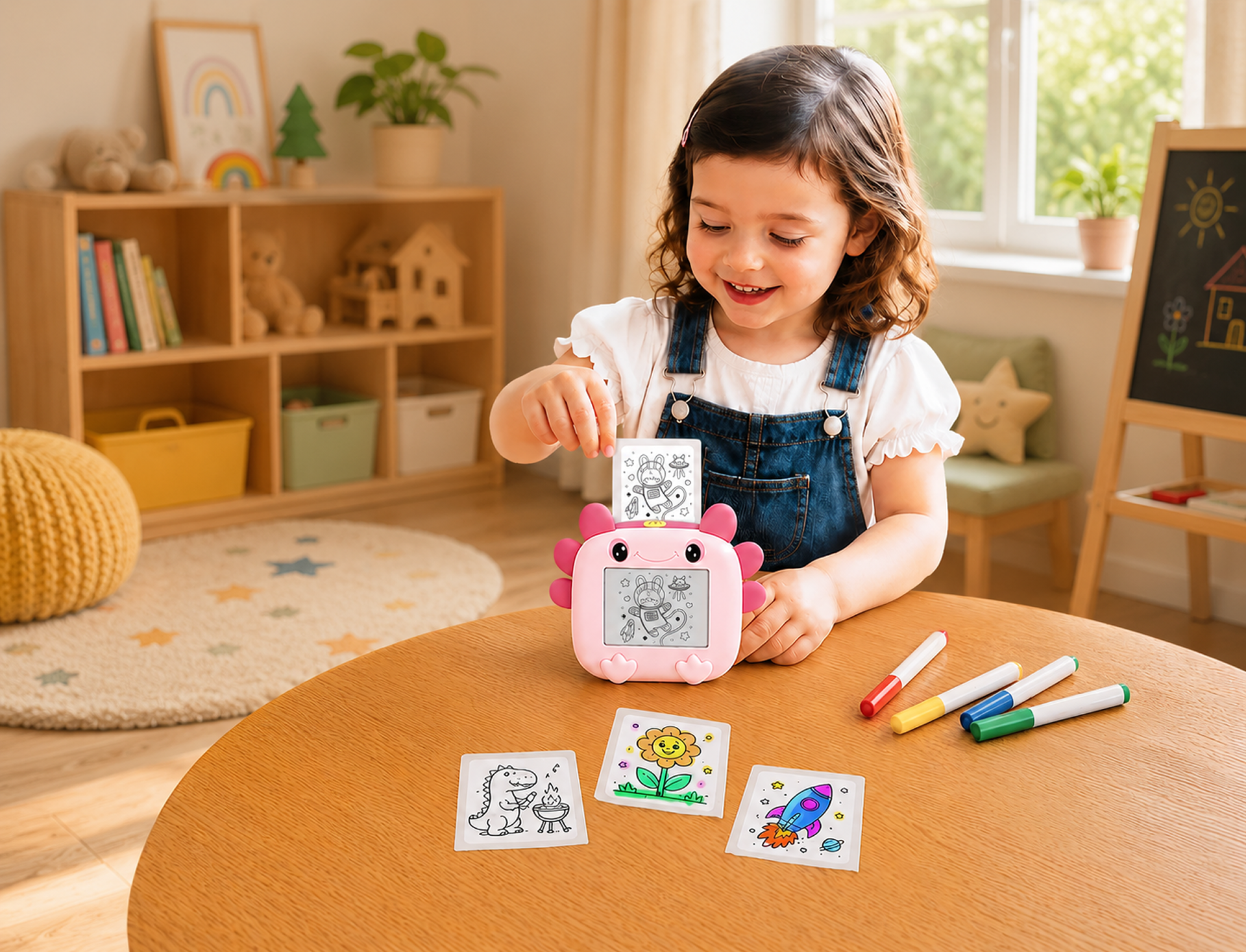
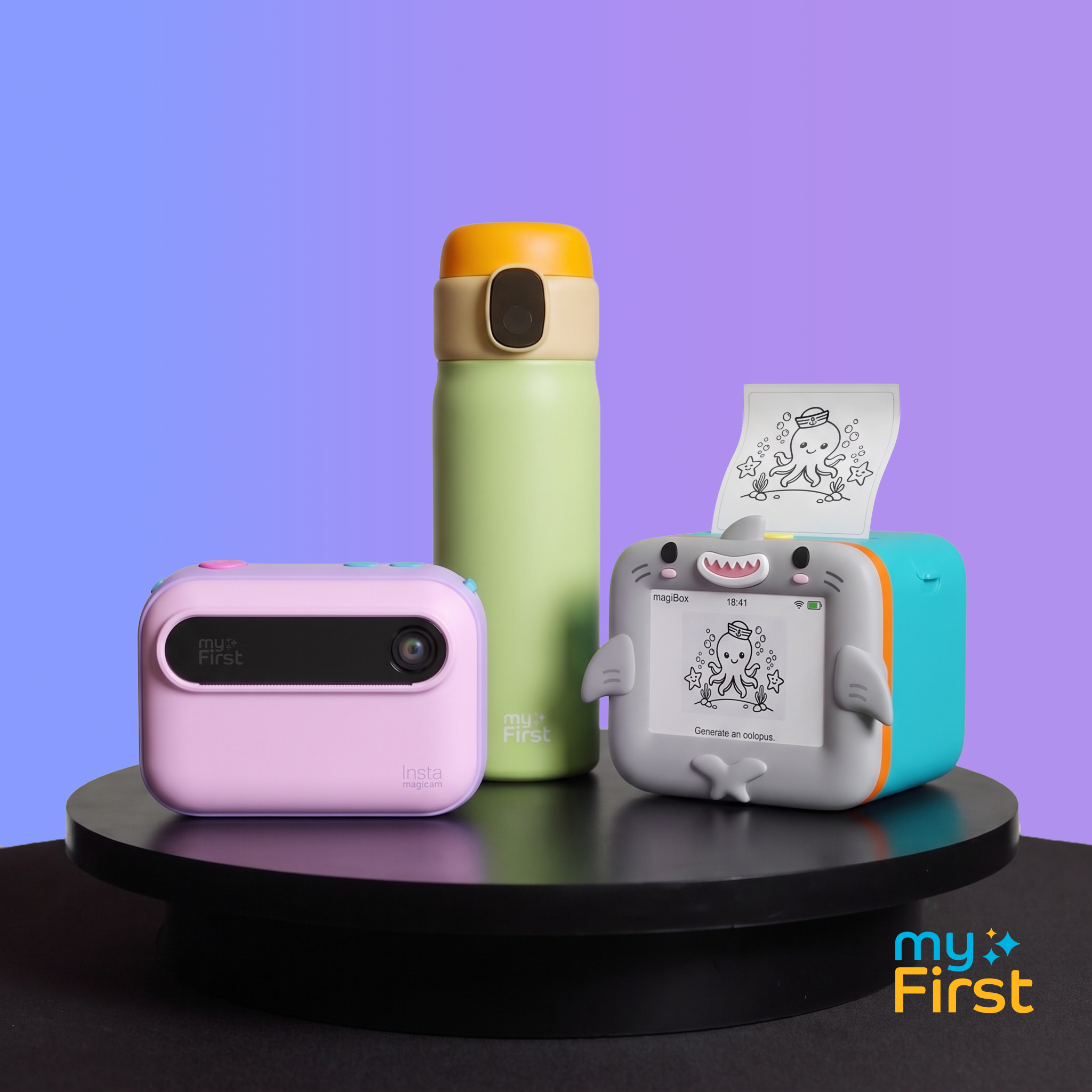
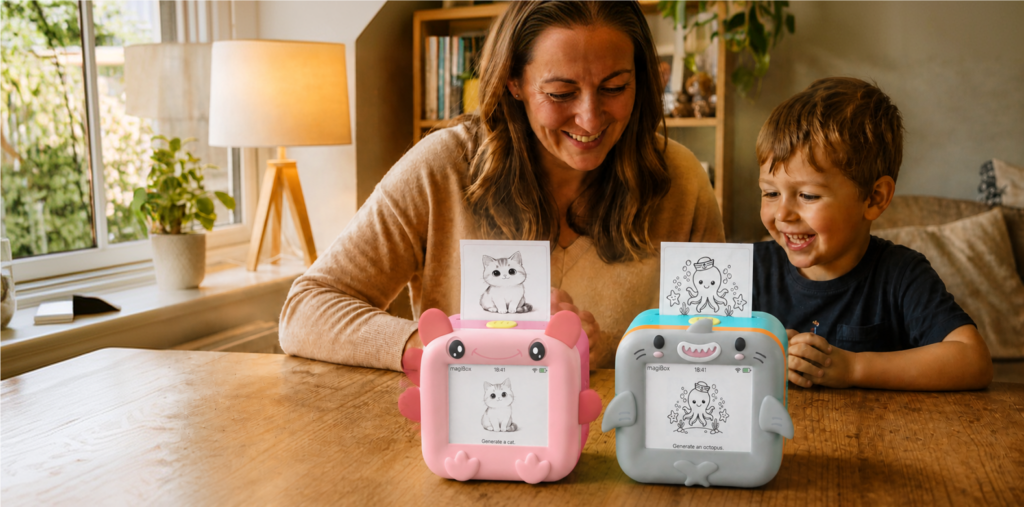
Then, afterward, you should use the myFirst Insta magiBox, a voice-to-image printer for kids we just announced alongside a bunch of other awesome stuff. Your child says an idea out loud, and a real printed picture comes out. They can color it, they can hang it up, they can even laugh at it — but it’s no longer through the veil of your own shame.
What magiBox is
magiBox is a small, all-in-one creation station with a 2.8″ HD screen, a single button, and a protective silicone cover. Kids press and hold the button, say what’s on their mind, and magiBox turns it into a black-and-white image (or four-panel story). It appears on screen first, and printing starts automatically. Press the button once before printing begins if you’d like to stop it.
Printing is ink-free thermal, so there are no cartridges, no toner, and no marker-colored carpet. A print takes roughly 10 seconds once the image is ready, and the corners are rounded and kid-safe.
What it does
Voice-to-Image. Pick one of six styles: Anime, Cartoon, Pencil Art, Line Art, Ink Splash, or Doodle. The same idea can come out differently in each, which is a useful lesson that the shark is a matter of interpretation.
Voice-to-Story. Switch to story mode, tell a tale out loud, and magiBox prints it as a 4-panel comic. If inspiration doesn’t strike, magiBox will invent a story. Kids can color the panels and bind them into a bedtime storybook. Story mode has one style, and it prints on the thermal sticker roll only.
Stickers. Prints come on sticker rolls, including Quick-Peel paper, so you can put a drawing on a notebook, a water bottle (like our new CareSip!), or a sibling’s door in seconds.
A few practical notes:
- magiBox understands 26 languages, including English, Spanish, Mandarin, Hindi, and Arabic.
- The phone is needed for setup only. After that, magiBox works on its own, though it needs an internet connection to generate anything.
- The 1300mAh battery covers up to 120 generated images per charge.
- Each prompt makes one result, so there’s no regenerating. Think of it as a lesson in commitment.
The box includes two silicone covers (Blossom Pink and Aqua Blue are the two colorways), three thermal sticker rolls, two Quick-Peel rolls, a USB-C cable, decorative stickers, and a set of eight marker pens.
Who it’s for
magiBox is for young children with more ideas than drawing skills, which describes most young children. It’s for the kid who narrates constantly, the one who invents creatures before breakfast, and the one who wants to make a comic about a cat who runs a bakery. It’s also for families who speak more than one language, since the ideas don’t have to be in English.
It’s for kids who want to create as they learn to create for themselves.
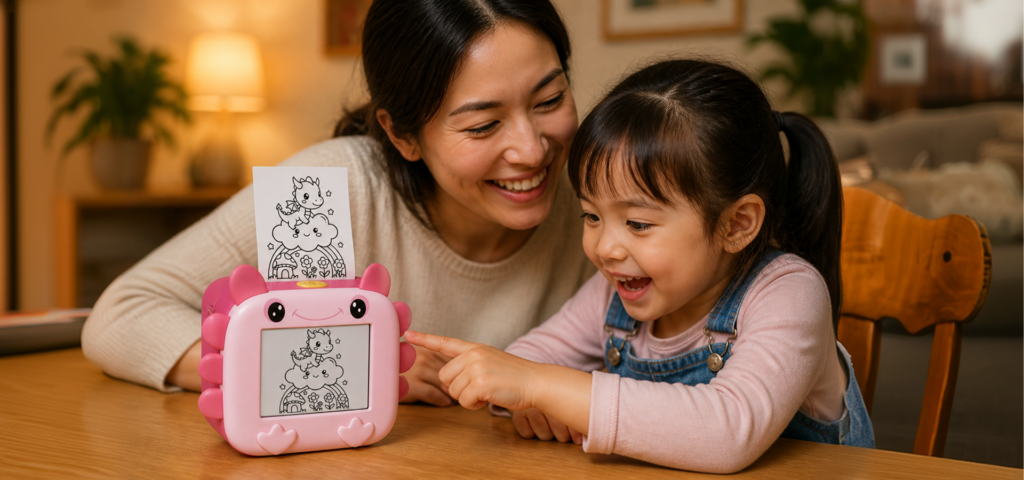
It’s also for parents who want screen time to end in something they can hold. Kids create using voice and a printed page, and no app or account is required.
How we protect kids
An AI that turns a child’s words into pictures needs firm boundaries. Here is how ours works.
Filtering happens before anything is generated. Violence, self-harm, suicide, pornography, and hate speech are filtered before generation. If a prompt doesn’t pass, nothing is made or printed. magiBox shows a pop-up that says “Oops! Try another idea,” which nudges kids to move on rather than negotiate.
Voice recordings aren’t kept. They’re deleted immediately after use. Voice prompts are also encrypted in transit, with TLS over WebSocket and AES-256-CCM over Bluetooth.
No accounts, no profiles, no personal data. Kids don’t create a profile or provide identifying information to use magiBox’s AI features, and magiBox doesn’t record any of it. Because there’s nothing to sell, nothing is sold or shared with advertising or analytics companies. magiBox doesn’t serve targeted ads to children.
Prompts aren’t used for training. What kids say and what magiBox makes is not used to train external AI models.
Saved images are limited and deletable. Only AI-generated images are saved. Everything else is deleted right after use. Printed results appear in the myFirst Circle app for six months, and any of them can be deleted by long-pressing it.
We’re upfront about the AI behind it. magiBox uses Gemini, OpenAI, and Tongyi Qianwen (Qwen) for its generative features. The data practices above apply to how we handle what passes through them.
We can say all this plainly because we designed magiBox to collect as little as possible in the first place. For the full details, see our child safety, privacy, and data protection Q&A on the myFirst site.
The short version
Your kid says something delightful and weird, and a sticker of it comes out ten seconds later. The magiBox is coming soon in Blossom Pink and Aqua Blue, and it’s ready for a lot of sharks.